Desktop email client
Morrow Mail
Morrow Mail is a desktop email client (Electron) by Leo Ho / HWL-HK (hwl-hk.com). Released v0.2.39 syncs, reads, sends, and organizes mail for connected accounts, including Gmail through the Gmail API and Microsoft Outlook, and shows calendars when Calendar is connected. Mail is cached on your computer. Optional AI can use mail, calendar, drafting, and conversation context through an API-key/custom endpoint or a connected ChatGPT account. Mail connect requests openid, email (https://www.googleapis.com/auth/userinfo.email), https://www.googleapis.com/auth/gmail.modify, and https://www.googleapis.com/auth/gmail.settings.basic.

Desktop app
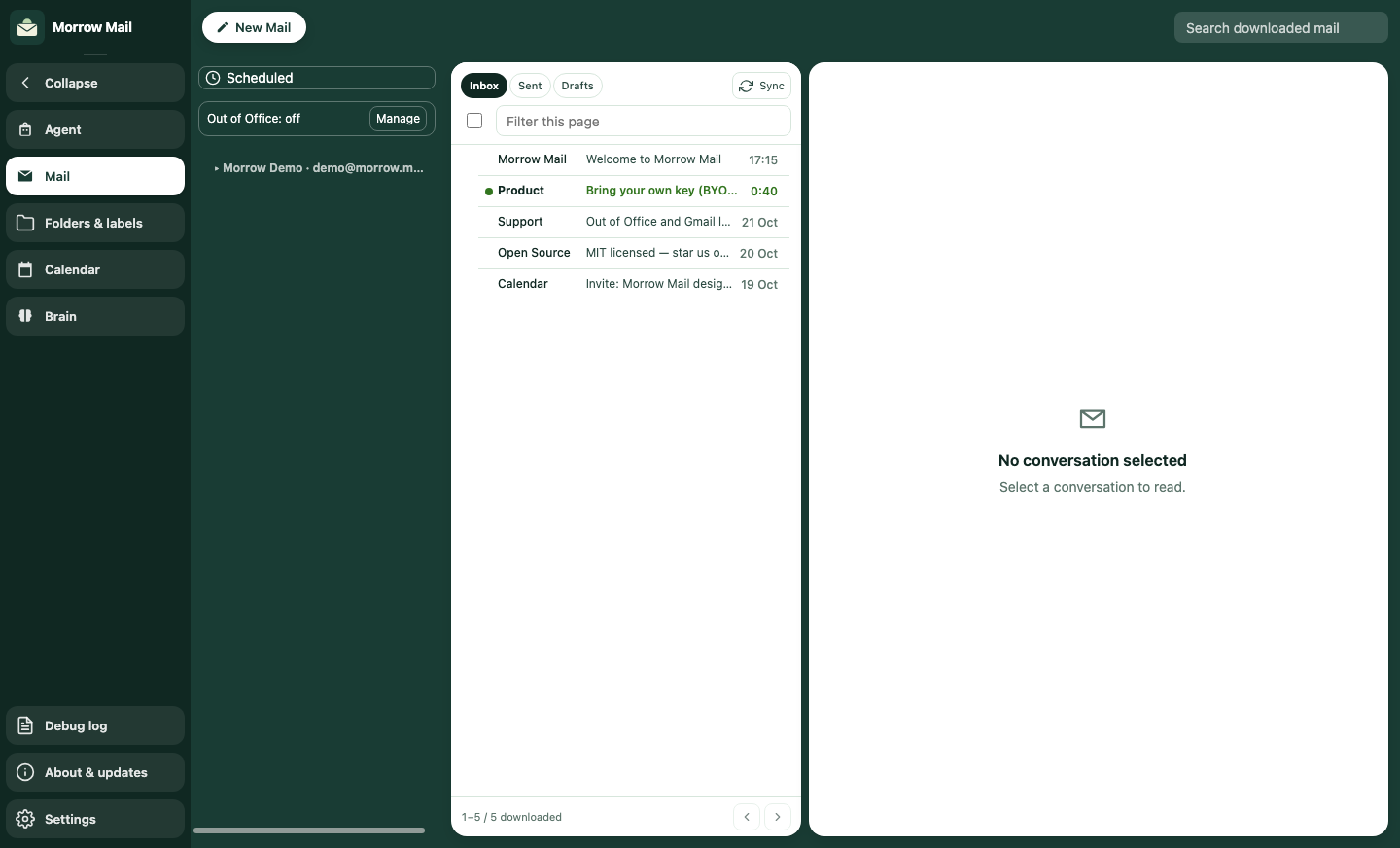
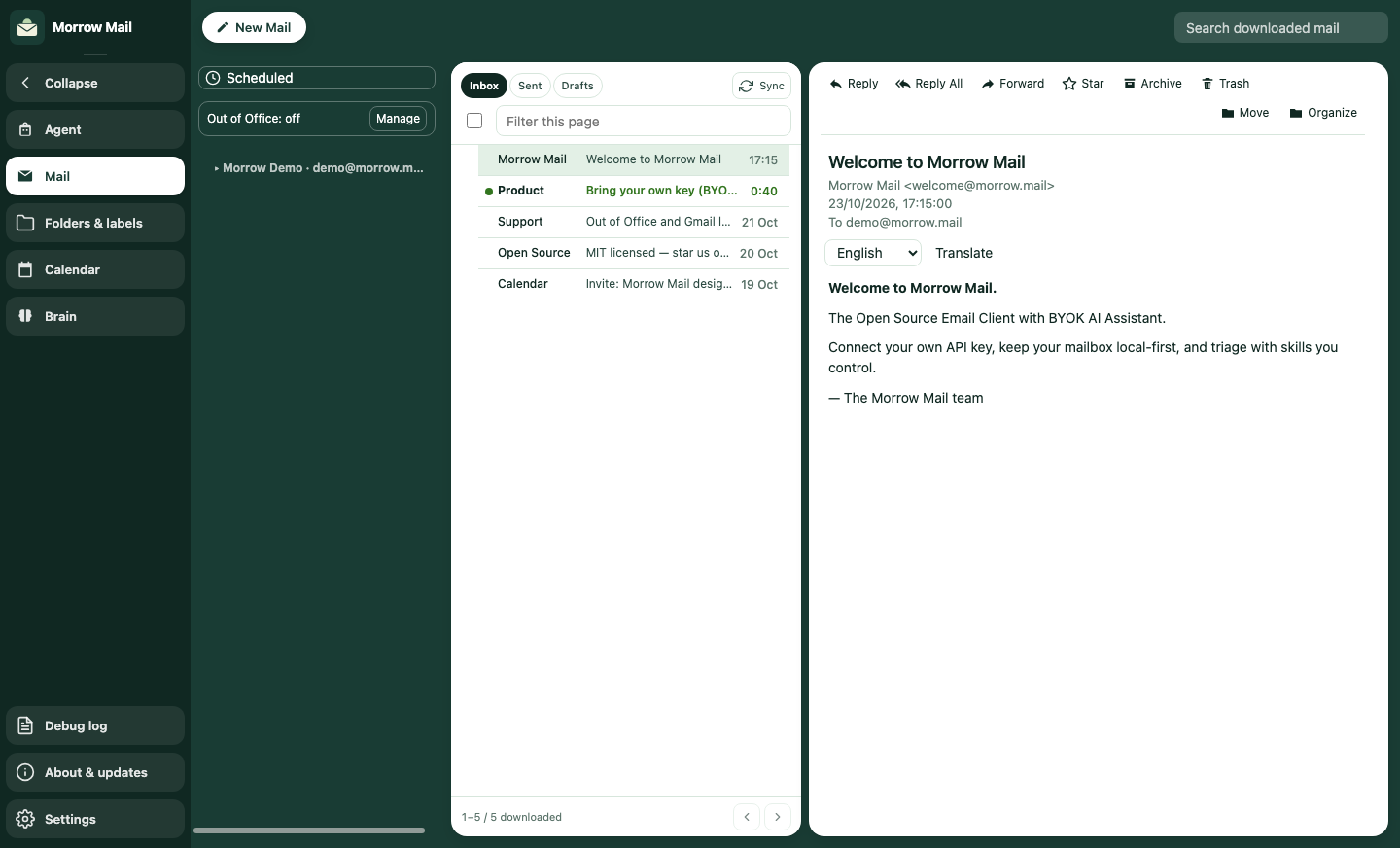
The Morrow Mail window with a demo account.
This page is public. You do not need an account, and you do not need to sign in, to read it.
Privacy Policy/en/morrow-mail/privacy
Google Workspace policy restricts the use of Google user data, including data derived from it. Do not use it for AI-generated non-consensual intimate imagery (AI NCII), or to create, train, or improve generalized or non-personalized AI/ML models. A user-supplied AI key does not establish that a provider meets those restrictions.
Last updated: 26 October 2026
What it does
Morrow Mail syncs, reads, and sends mail; manages labels and folders; and can apply Out of Office replies and filters. It can also show your calendar list and calendar events.
Optional AI supports translation, writing and reply suggestions, summaries, inbox triage, planning, and a mail-derived writing profile. Depending on the action, requests can include message text and quoted history, draft content and signatures, selected text, mailbox metadata and snippets, calendar details, prompts, conversation, standing notes, and profile context. AI receives this content before you decide whether to send a suggested reply.
Google access in the released app
Google sign-in uses an OAuth desktop client. After you approve access, Google redirects to a loopback address on your own computer: http://localhost:<port>/api/oauth/google/callback. HWL-HK does not receive that callback on a server. The app does not request Google Drive, Google Contacts, or a Google profile scope.
Released v0.2.39 connects Gmail through the Gmail API, not IMAP or SMTP, and does not request https://mail.google.com/. The mail-connect scopes are listed below. Calendar scopes are requested when Calendar is connected, which may be a separate reauthorization. Google’s verification of this app is in review.
If an account was connected on an older release, Settings → Accounts may offer migrate or reauthorize onto this Gmail API path. Updating the app does not revoke an older, broader Google grant.
- openid — confirm the Google sign-in session.
- email (https://www.googleapis.com/auth/userinfo.email) — read the email address of the Google account you connect.
- https://www.googleapis.com/auth/gmail.modify — restricted. Gmail API access to read, send, and modify mail, including organization changes. It does not permit permanent deletion that bypasses Trash.
- https://www.googleapis.com/auth/gmail.settings.basic — restricted. Read and change basic Gmail settings, including Out of Office replies and filters.
- Calendar, when connected (this may be a separate reauthorization): https://www.googleapis.com/auth/calendar.calendarlist.readonly — list the calendars on the account.
- https://www.googleapis.com/auth/calendar.events — read, create, update, and delete calendar events for the app’s calendar features. Requested when Calendar is connected.
Local storage and optional AI
Mail and downloaded attachments are cached locally. HWL-HK does not operate a hosted mailbox for this app. AI profiles, run history, conversation, and standing notes are also saved in local app data.
API-key/custom-endpoint mode sends AI requests to the service at the configured Base URL; its prefilled URL is https://api.x.ai/v1. ChatGPT mode uses a separately connected ChatGPT account and sends AI context to OpenAI at https://api.openai.com/v1/responses. AI does not always require a user-supplied API key. A local model keeps processing on your computer only if its endpoint and downstream processing are also local.
Manual AI actions and automatic activity can send context. Saved skill schedules start disabled. In API-key mode, opening stale Agent or Brain views, Brain’s hourly refresh, and automatic reply suggestions when a reply composition opens can call the model after configuration, without an independent background-AI permission. ChatGPT has its own per-account background preference, initially off for a new account, for automatic profile refresh, triage, and scheduled skills. In v0.2.39 that preference does not cover the automatic reply-suggestion path.
Normal Delete moves mail to the provider’s Trash when that folder is available. The released app also has a separate batch-deletion path for mail already in Trash. Deleting mail, disconnecting an account, and clearing AI data have different effects; the Privacy Policy explains them.
Privacy Policy and Terms
The Privacy Policy describes the data sent to a configured AI service, local and provider retention, and the limits of account removal and uninstalling. The Terms of Service cover the desktop software, connected accounts, and optional AI. Both are linked above and below.
- Privacy Policy/en/morrow-mail/privacy
- Terms of Service/en/morrow-mail/terms